Find the gap. Help it click.
See what your child finds difficult, understand where they need help, and work with their teacher on the next step. Their progress and learning plan stay together, wherever you are.
Stay close to their learning
A clear view, wherever you are.
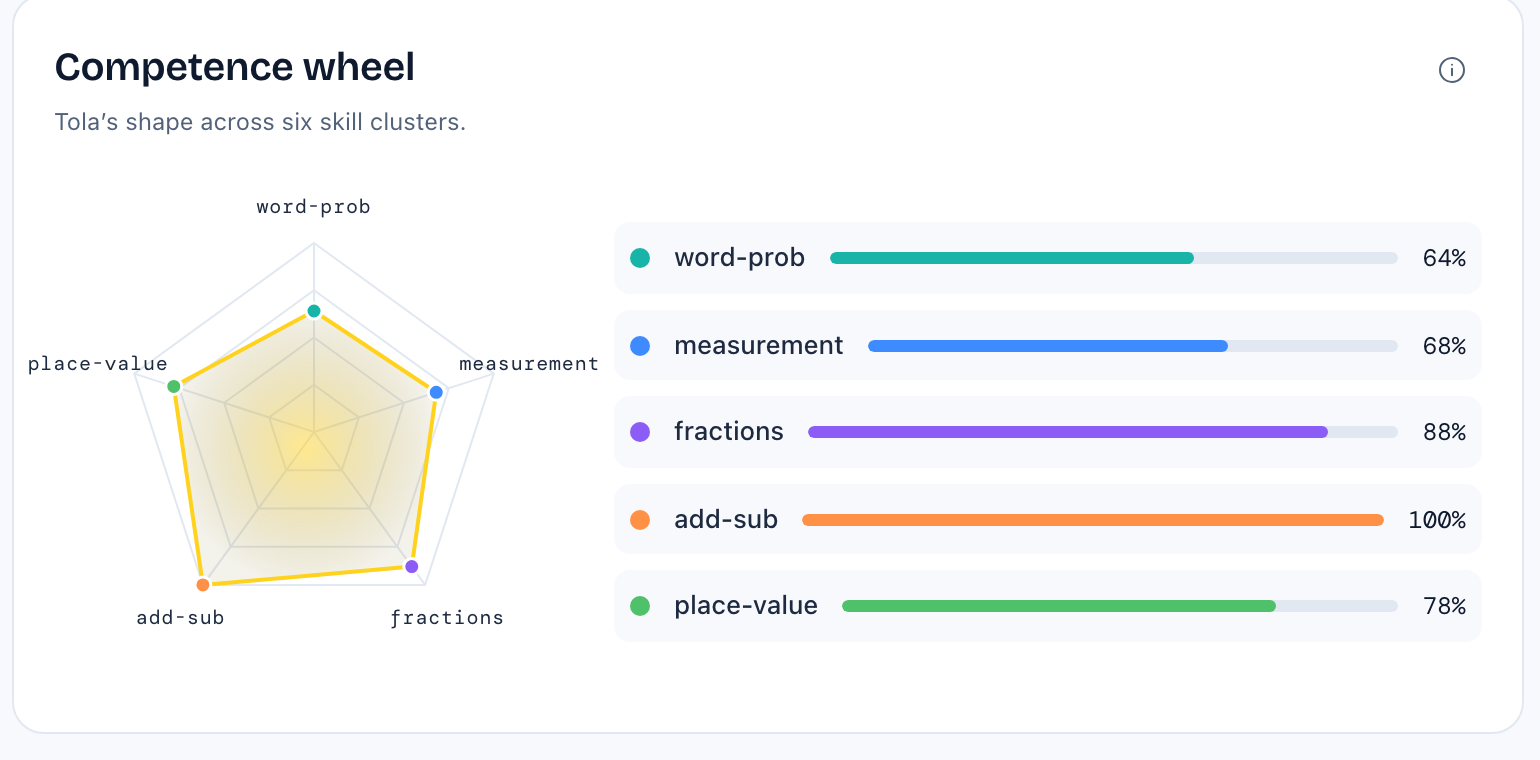
Know what they understand and what needs work
See progress by subject and skill, review practice results, and identify learning gaps. Check in from your browser without waiting for a parent meeting or the next school report.
Work with the people who teach your child
Invite their teacher or tutor to follow progress and suggest improvements. Discuss a difficult topic, review a suggested change, and keep everyone working towards the same next step.
Teacher collaboration
A shared view. A useful next step.
- Teacher notices
Equivalent fractions need more practice.
- Teacher suggests
Revisit equivalent fractions before adding fractions.
- Parent decides
Review the suggestion and update the learning track.
Suggestions arrive as they’re shared. You choose what to apply.
Keep the learning plan relevant to your child
Use what you learn from progress and teacher feedback to update focus areas, reorder topics or adjust the pace. You choose which suggestions become part of the learning plan.
Your child’s learning track
Change the focus as their needs change.
- Revisit
Equivalent fractions
- Practise next
Compare and order fractions
- Build towards
Add fractions with the same denominator
Update topics, order and pace from the learning plan.
Follow what happens after each change
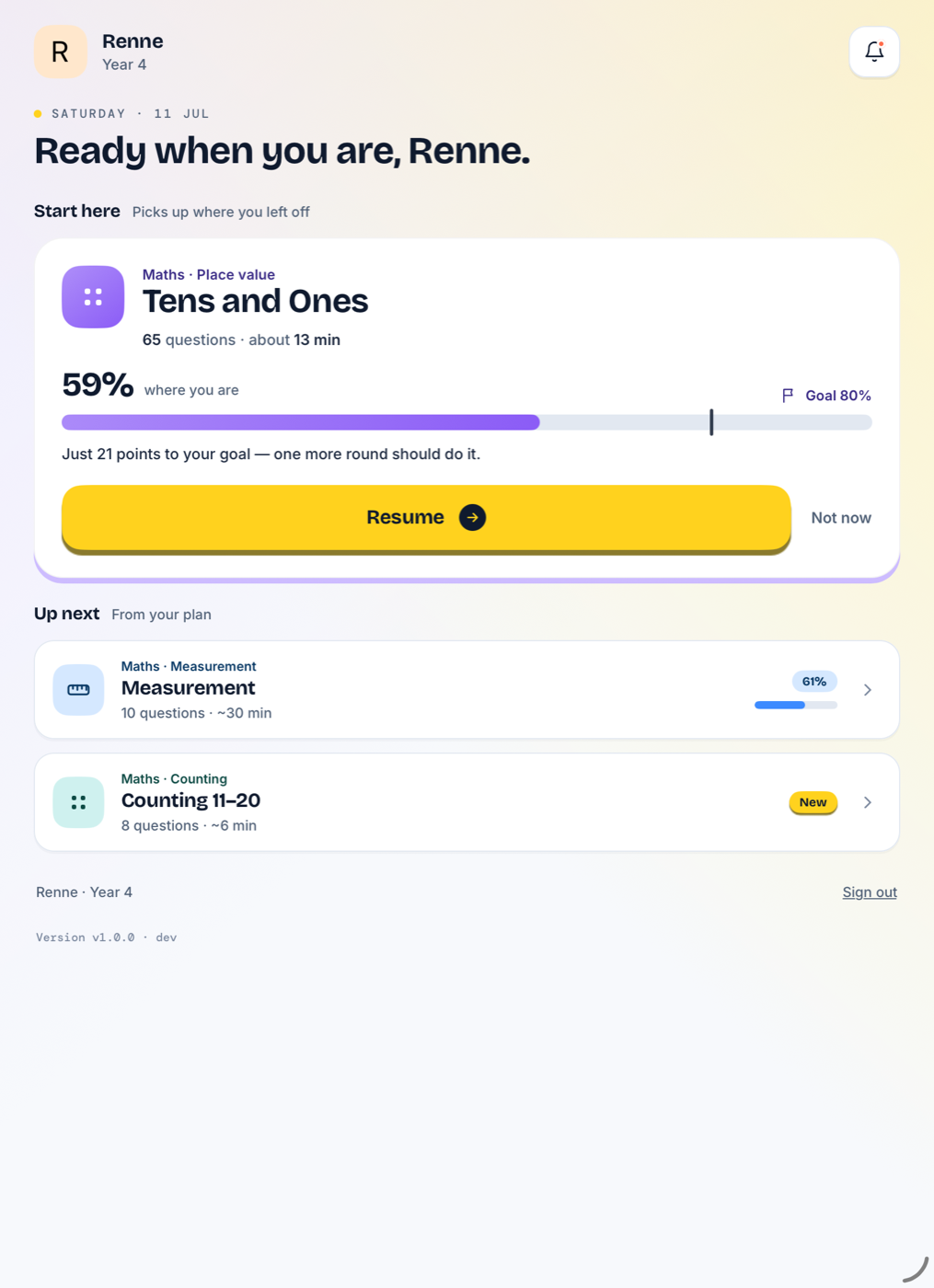
Your child works through practice based on their plan, with explanations for difficult questions. Their results help you see whether the current approach is working and what to adjust next.
Support at the point of need
Help for your child. Context for you.
When your child gets stuck
Question explanations and generated videos help them work through a difficulty and return to practice.
When you need to understand why
Ask Sprout about their learning records, progress and plan. Use the answer to choose a focus or start a conversation with their teacher.
Your questions
How Rootly fits into your child’s learning
Yes. Your parent dashboard works in a modern browser, so you can check progress, review the learning plan and respond to teacher suggestions wherever you have an internet connection.
Rootly brings together learning checks, practice results and progress by subject and skill. You can see which topics need attention, review their learning history and use that information to adjust the plan.
They can monitor the progress of children connected to them, discuss learning with you and suggest changes to learning tracks. You review and approve the changes. Sprout includes one teacher or tutor invite; Grove includes unlimited invites. Acorn does not include invites.
Yes. You can adjust the topics, focus areas, order and pace of your child’s learning plan. Use progress and teacher suggestions to decide what to add, revisit or prioritise next.
You can follow the latest learning results in the dashboard and receive teacher suggestions as they arrive. Progress reflects recorded activity as it syncs; the weekly report adds a longer view of how your child is improving.